Real fixes written by technicians who repair printers every day. If a guide doesn't solve it, we'll fix it remotely — $49 flat, and you only pay after it's fixed.
Latest Articles
6 articles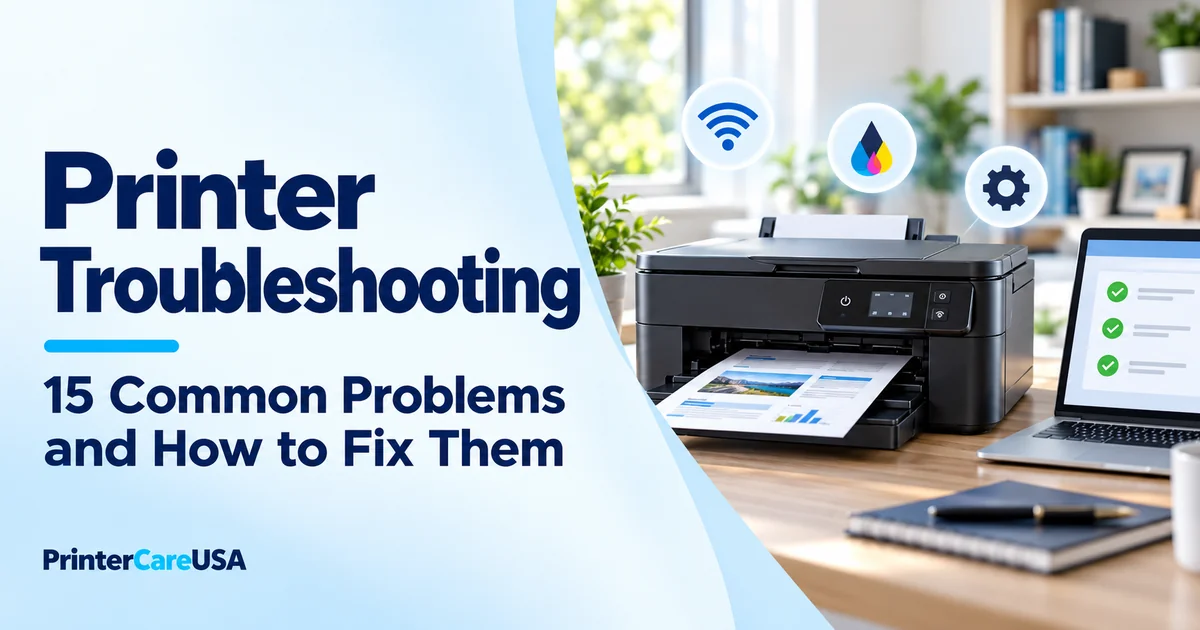
Printer Troubleshooting: 15 Fixes
Printer not working? A complete troubleshooting checklist for 15 common problems - offline, WiFi, jams, blank pages, slow printing, spooler errors and more.
Read article →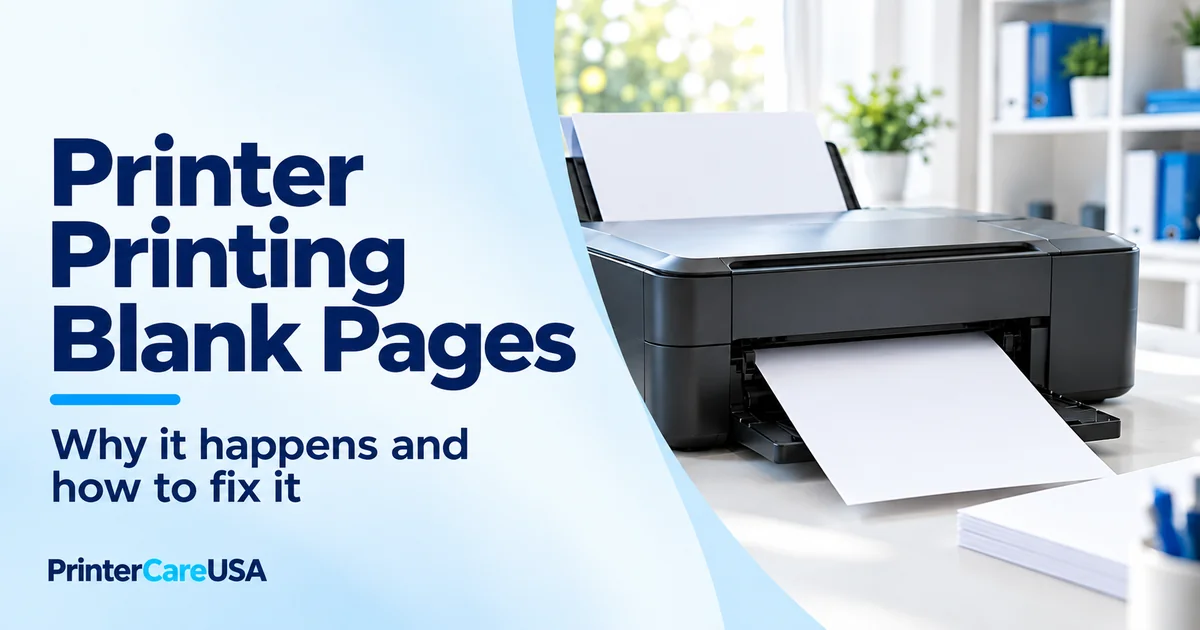
Printer Printing Blank Pages? Fixes
Printer printing blank pages with full ink or toner? Here's why, cause by cause — vent tape, dried nozzles, sealing strips, EconoMode — and how to fix each.
Read article →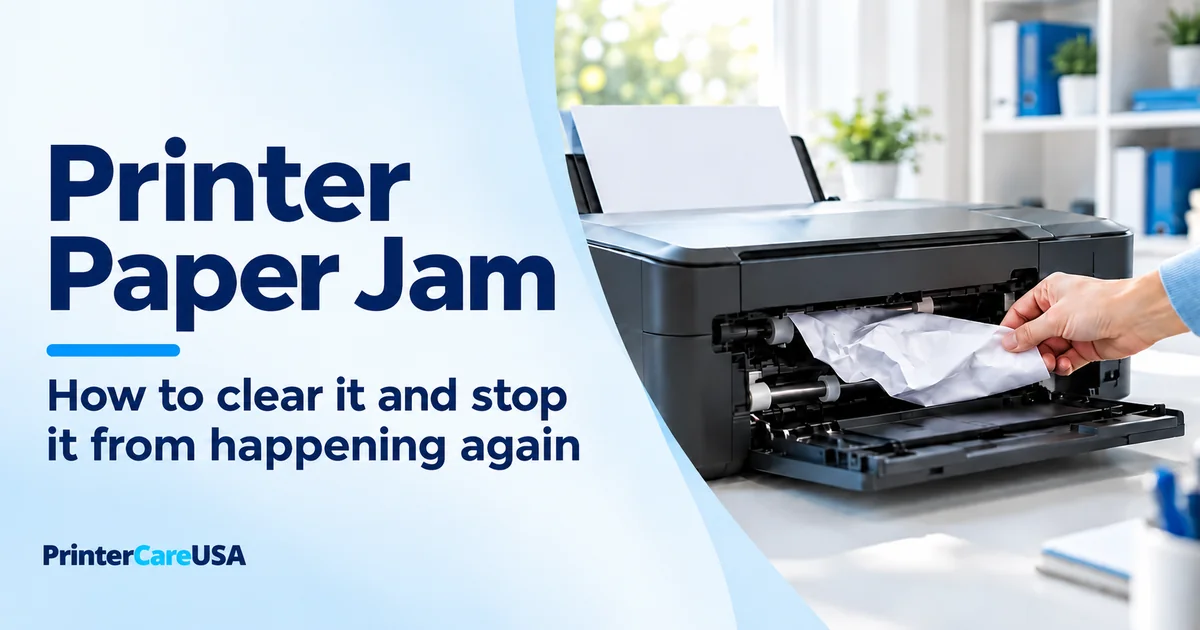
Printer Paper Jam: How to Clear It
Printer Paper Jam: How to Clear It and Stop It From Happening Again | PrinterCareUSA
Read article →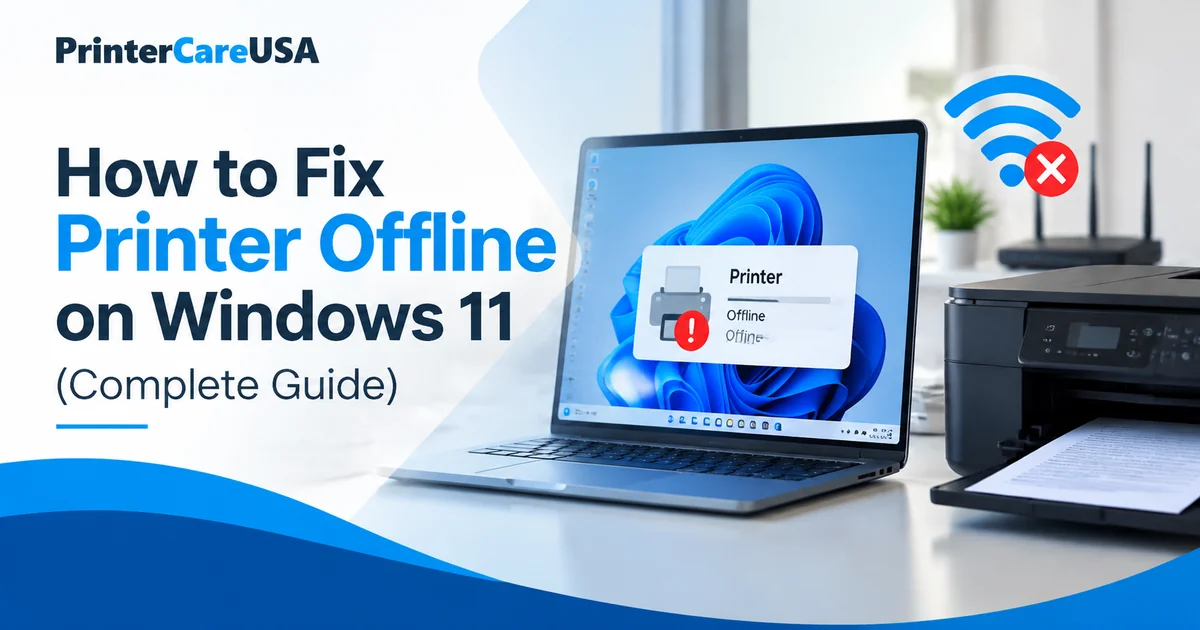
How to Fix Printer Offline on Windows 11 (Complete Guide)
Printer offline on Windows 11? Here
Read article →
Printer Not Connecting to WiFi? Fixes for All Brands
Printer not connecting to WiFi? Fix 2.4 GHz, WPA3, hidden network, weak signal, DHCP and router problems with steps for all major printer brands.
Read article →
Why Is My Printer Offline? Fixes for Windows & Mac
Printer says offline? Fix printer offline problems on Windows 11 and Mac by checking Wi-Fi, ports, print queues, drivers and the Windows Print Spooler.
Read article →Still not printing?
A technician connects securely to your computer and fixes it while you watch. Any brand, any error. No fix, no fee.